





How can I use telehealth in a public emergency?
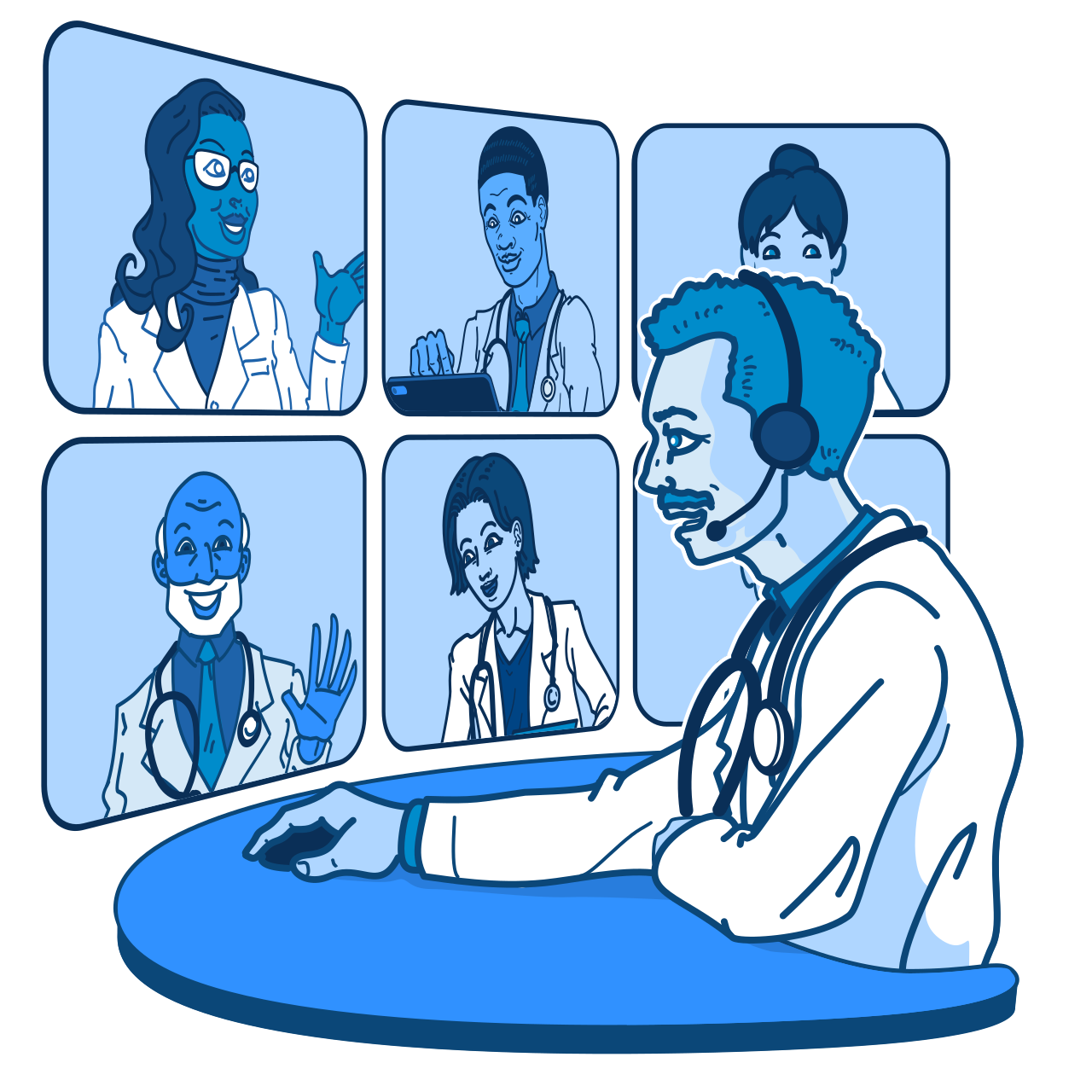
During a public emergency, telehealth can help you get care safely from home.
What is a public emergency?
A public emergency is an event that puts the health and safety of many people at risk.
Examples include:
- Natural disasters, such as hurricanes, wildfires, floods, or earthquakes
- Disease outbreaks or pandemics
- Extreme weather events
- Other large-scale public health crises
During these events, it may be hard or unsafe to travel. Clinics may be closed, roads may be blocked, or you may need to stay home. Telehealth lets you connect with your health care provider without leaving your home.
What types of care can I get through telehealth during a public emergency?
Telehealth helps you stay connected to care when in-person visits are not possible. You can use telehealth to:
- Get care from home. Talk to your provider by video, phone, or secure messaging. You can ask questions, describe symptoms, and get advice without having to travel.
- Manage ongoing health conditions. If you have a chronic condition like diabetes, heart disease, or cancer, telehealth helps you keep up with your care even when normal routines are interrupted. For example, you can use telehealth to renew prescriptions, check-in with your provider, and share health data from remote patient monitoring devices.
- Get mental health support. Public emergencies can be stressful or overwhelming. Telehealth makes it easier to reach a counselor or behavioral health provider.
- Get care quickly. Your provider can help you decide what to do next. They can tell you if you should stay home and rest, visit urgent care, or go to the emergency room.
How can I prepare to use telehealth before there is an emergency?
The best time to get ready for a telehealth visit is before an emergency happens. These steps can help you be ready:
- Set up a patient portal. Create an account with your health care provider’s office. This lets you send messages, schedule visits, and view your health records during an emergency.
- Know your medications. Keep an updated list of your current medications and doses.
- Test your technology. Make sure your phone, tablet, or computer has a working camera, microphone, and internet connection. Become familiar with what to do to troubleshoot common technical problems.
- Have a backup plan. If your internet or power goes out, ask if your provider offers phone visits or if they offer other ways to access care during an emergency.
Tip: Keep your devices charged, including your phone, tablet, and computer. Have a backup power source, like a portable charger, ready in case of a power outage.
More information:
What emergency hotlines are available? — Health Resources and Services Administration
What if I'm having trouble using telehealth? — Health Resources and Services Administration
What is remote patient monitoring? — Health Resources and Services Administration
What should I know before my telehealth visit? — Health Resources and Services Administration